Solving UI/UX Issues for ATM

Bank of America

fala

Project Brief

ATM, Bank of America, is one of my passion projects. The reason why I started this project because most designers tend to focus on designing applications due to it becoming a popular thing nowadays. However, I was wondering :

* What if I redesign a product but not limited to
redesign the mobile or website?*

There are still so many products that need to be improved, like ATMs. After I went to Wells Fargo, Chase, and Bank of America in downtown SF for research, the result is the ATM in Bank of America needs to redesign the most. This project spanned around three months from research to user testing.

* How might we reduce operational errors
for users on ATM design? *

Challenges

I became a user due to I’ve never used BOA’s ATM before. Then, I test each service to see the whole system to identify any usability problems.
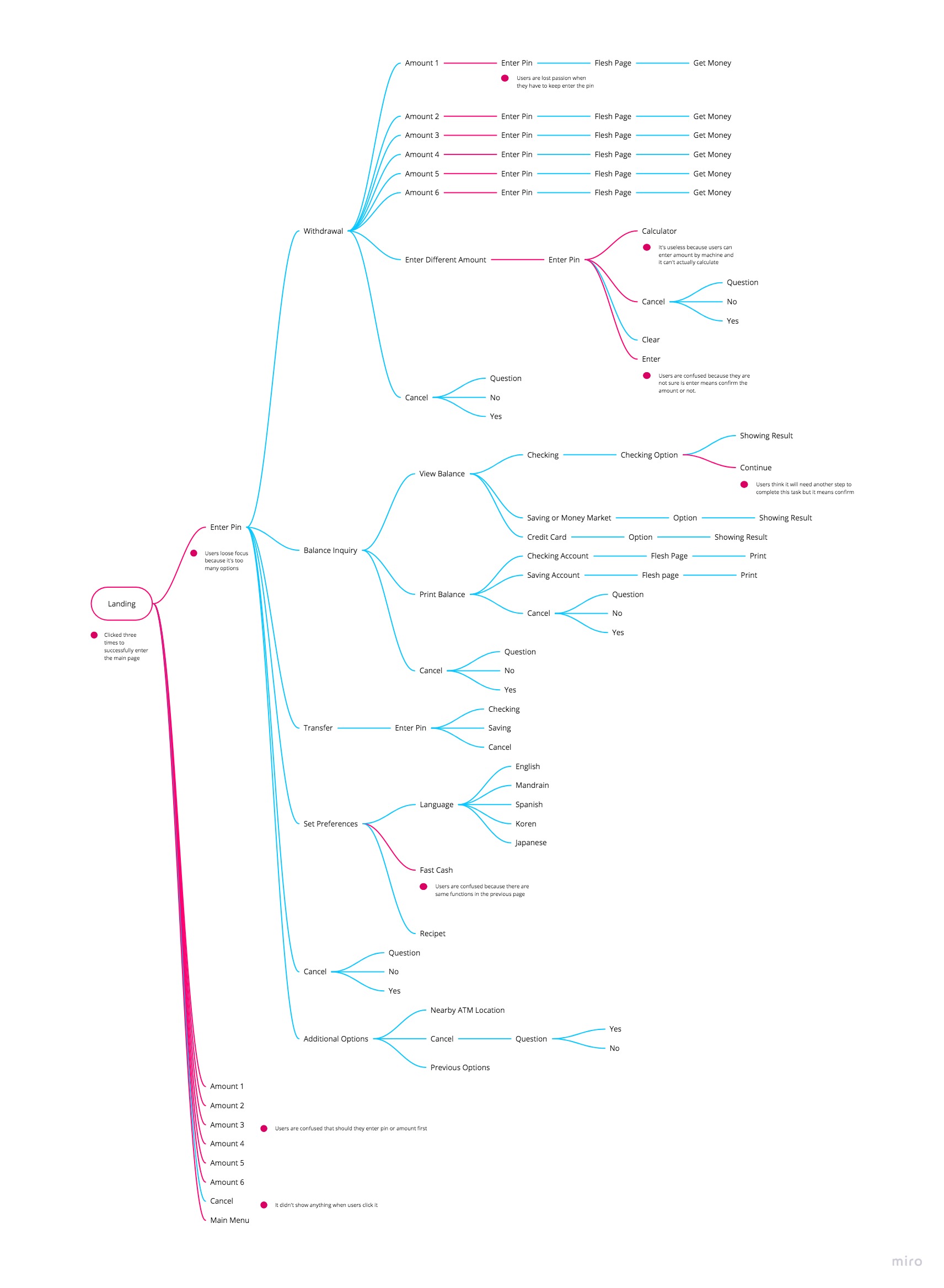
Challenge 1:Defined UI/UX issues

Here are the issues I found:
  • 1. The process is overcomplicated
    Users have to complete many steps to finish the task.
  • 2. Complex interface design (Skeuomorphic style)
    Since flat style is a trend nowadays, Skeuomorphic design gives a sense of past to users.
    It also evokes the feeling of complexity.
  • 3. Few functions don’t work
  • 4. Language is too formal
  • mindmap

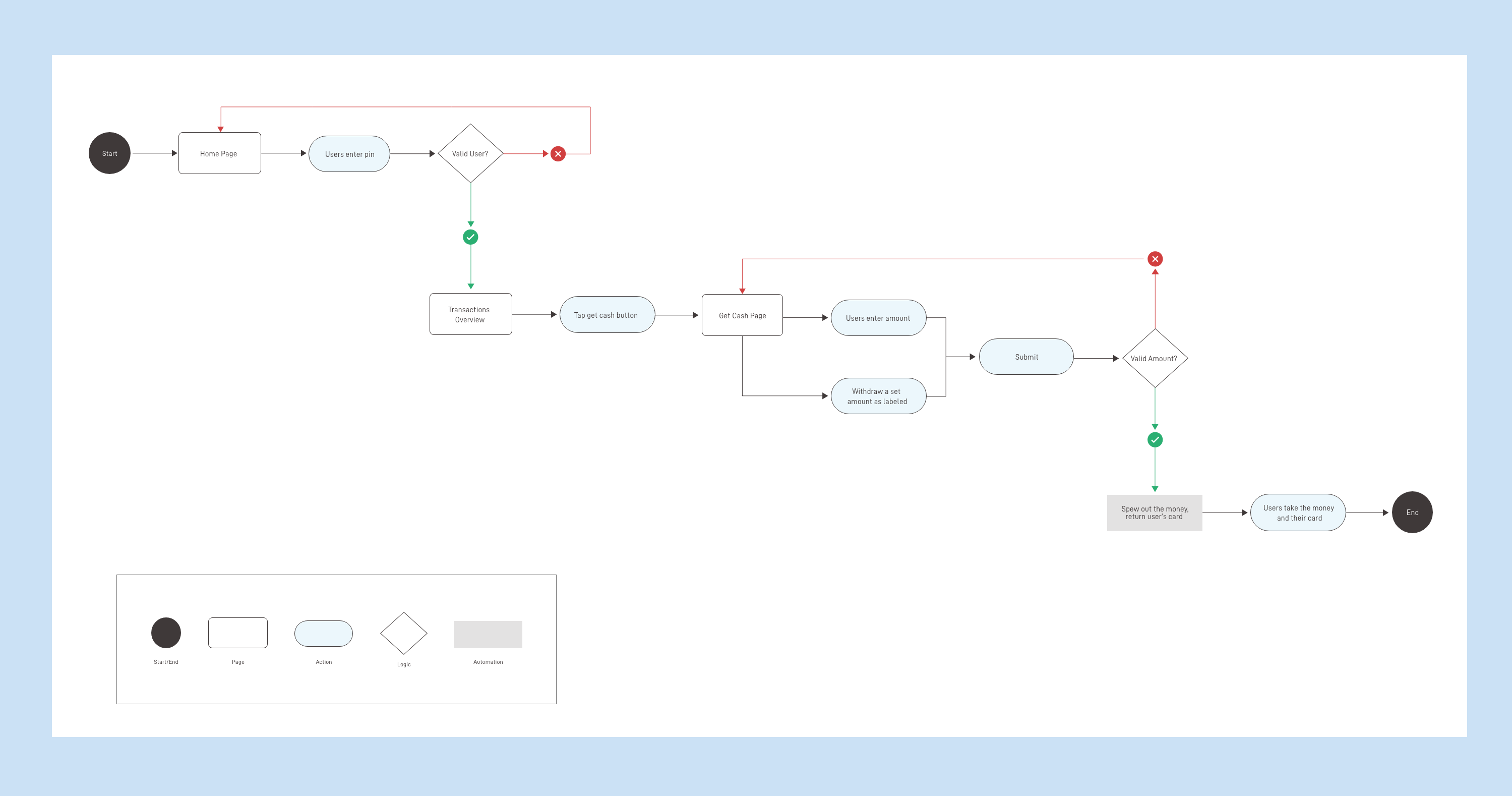
    Here is the process for each transaction that I recorded from the original ATM design.
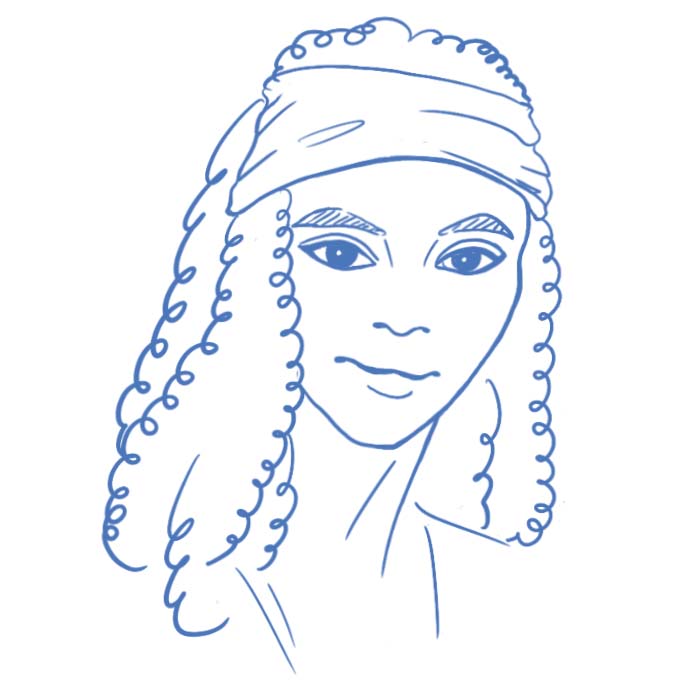
    Tiana

    Tiana 30yr

  • About
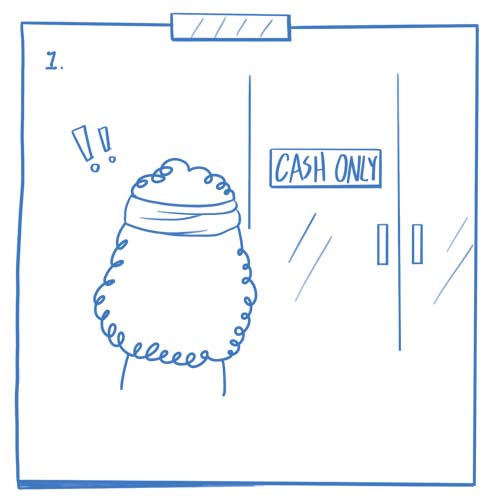
    Tiana is an accountant who have multiple bank accounts. She frequently uses ATM for getting cash because it allows her to manage her spending more efficient.
  • Frustrations
    1. Easy be distracted by lots of contents, buttons.
    2. Take so many steps to finish a transaction.
  • Goals
    1. To enjoy a clean, comfortable interface design.
    2. Easy to operate.
  • fram1

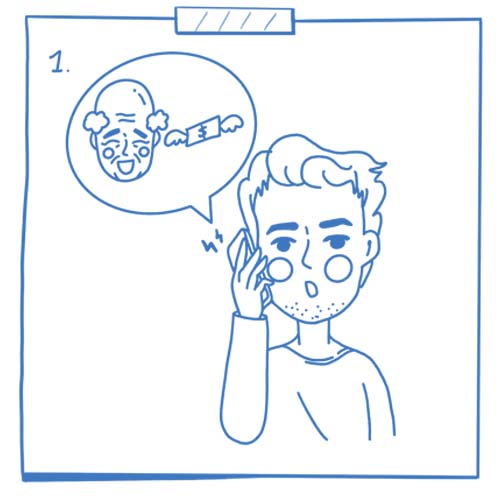
    She doesn't have any cash

    fram2

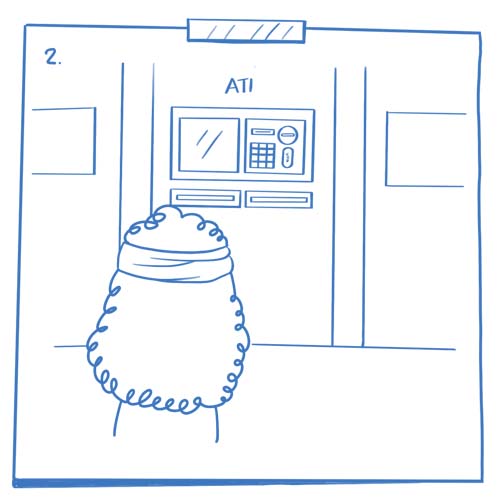
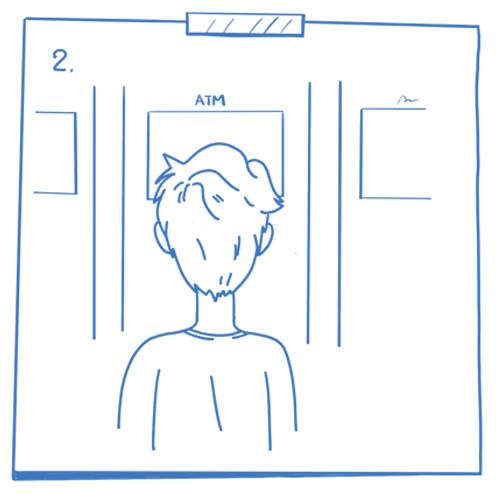
    Go to ATM

    fram3

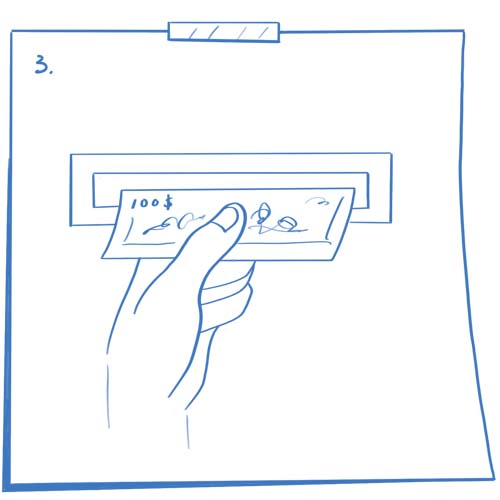
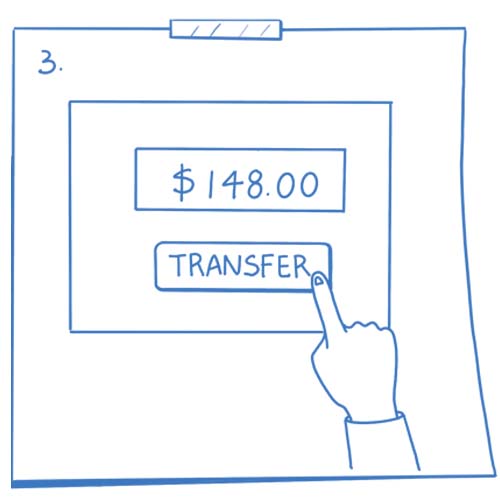
    Get cash

    fram4

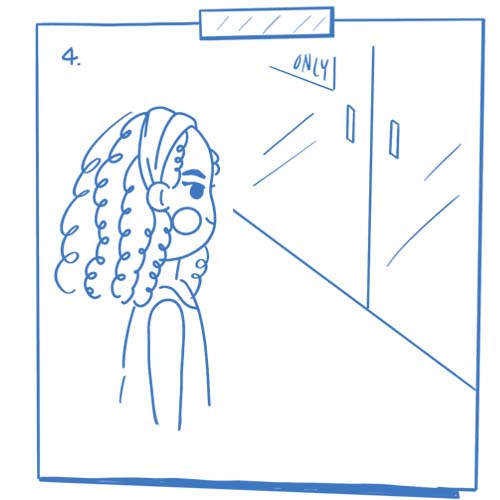
    go back to the resturant

    fram5

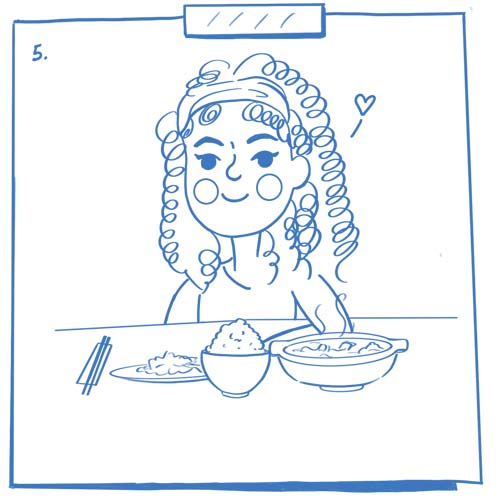
    Enjoy the meal

    fram6

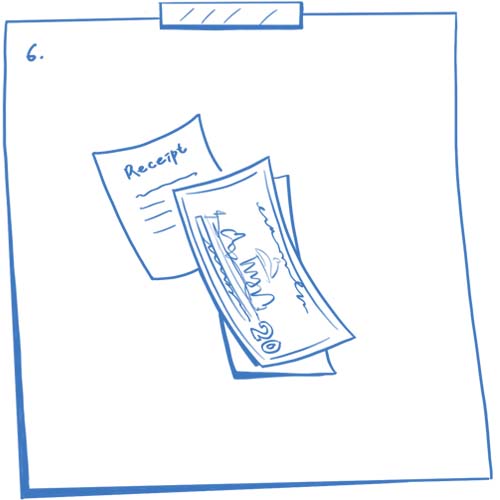
    Pay it by bills

    zac

    Zac 22yr

  • About
    Zac is an undergraduate student who is a new customer of the Bank of America. He prefers paying in cash to manage his money due to he want to master his money and set up a budget.
  • Frustrations
    1. Take a longer time choosing an option.
    2. He can't recall the interface design.
  • Goals
    1. Don't let him think.
    2. To memorize functions and process.
  • fram1

    Uncertain if her kid has a peanut allergy
    or intolerance
    fram2

    Concern her daily schedule

    fram3

    Access the app

    fram4

    Order an allergic testing online

    fram5

    Order is in the process

    fram6

    Get the testing result

    Solutions

    Here are the solutions:
  • Solution 1. Simplify the process
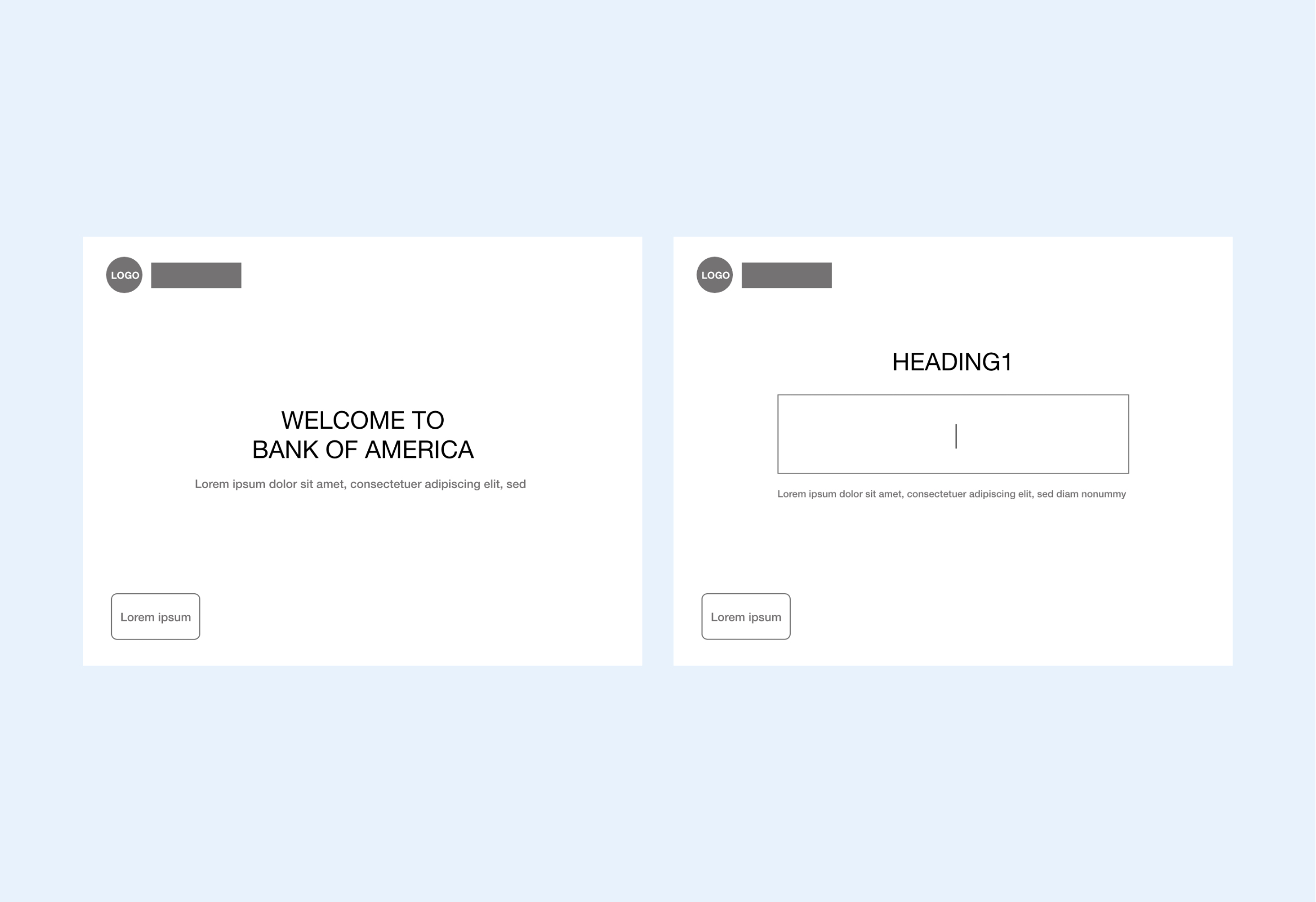
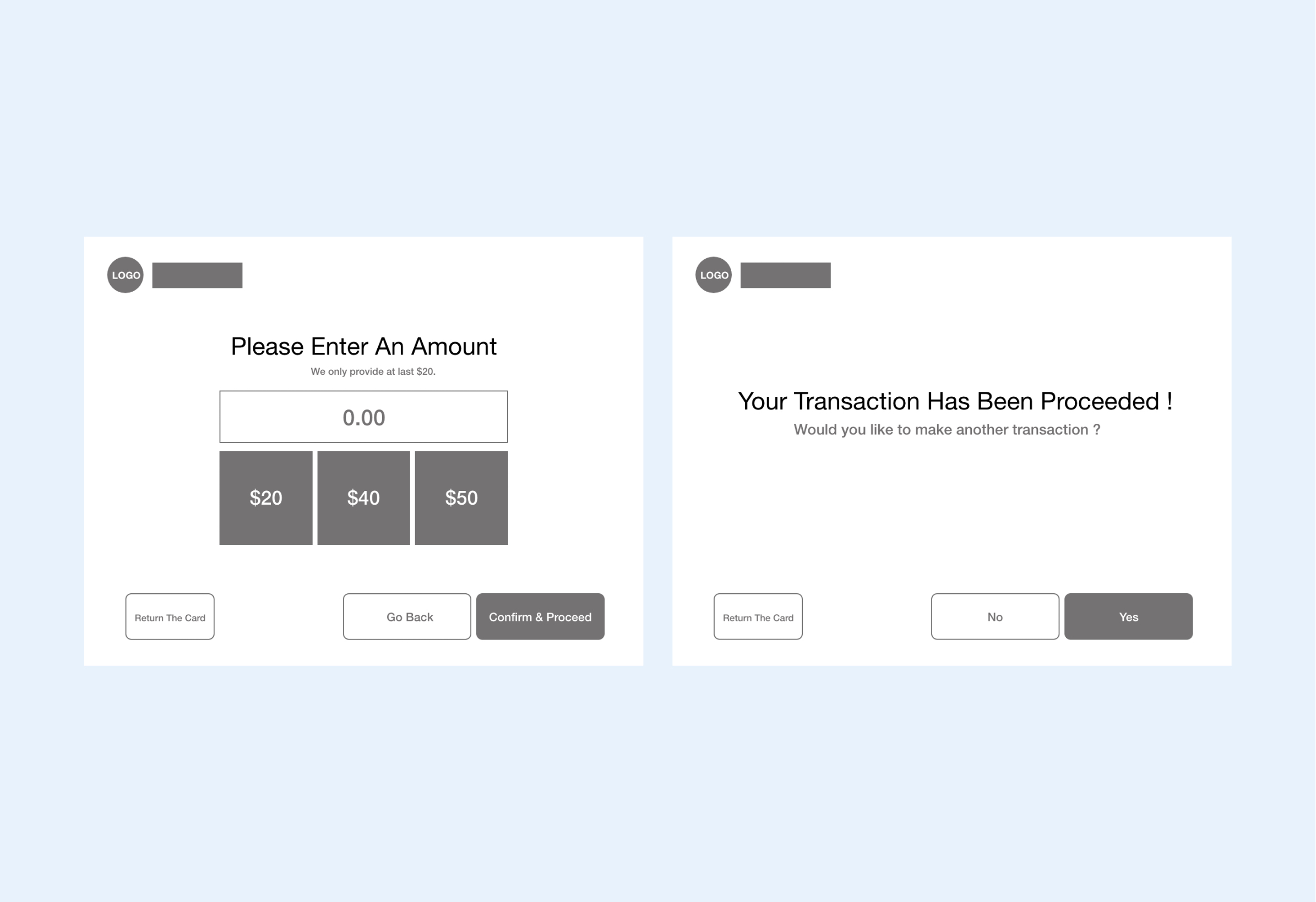
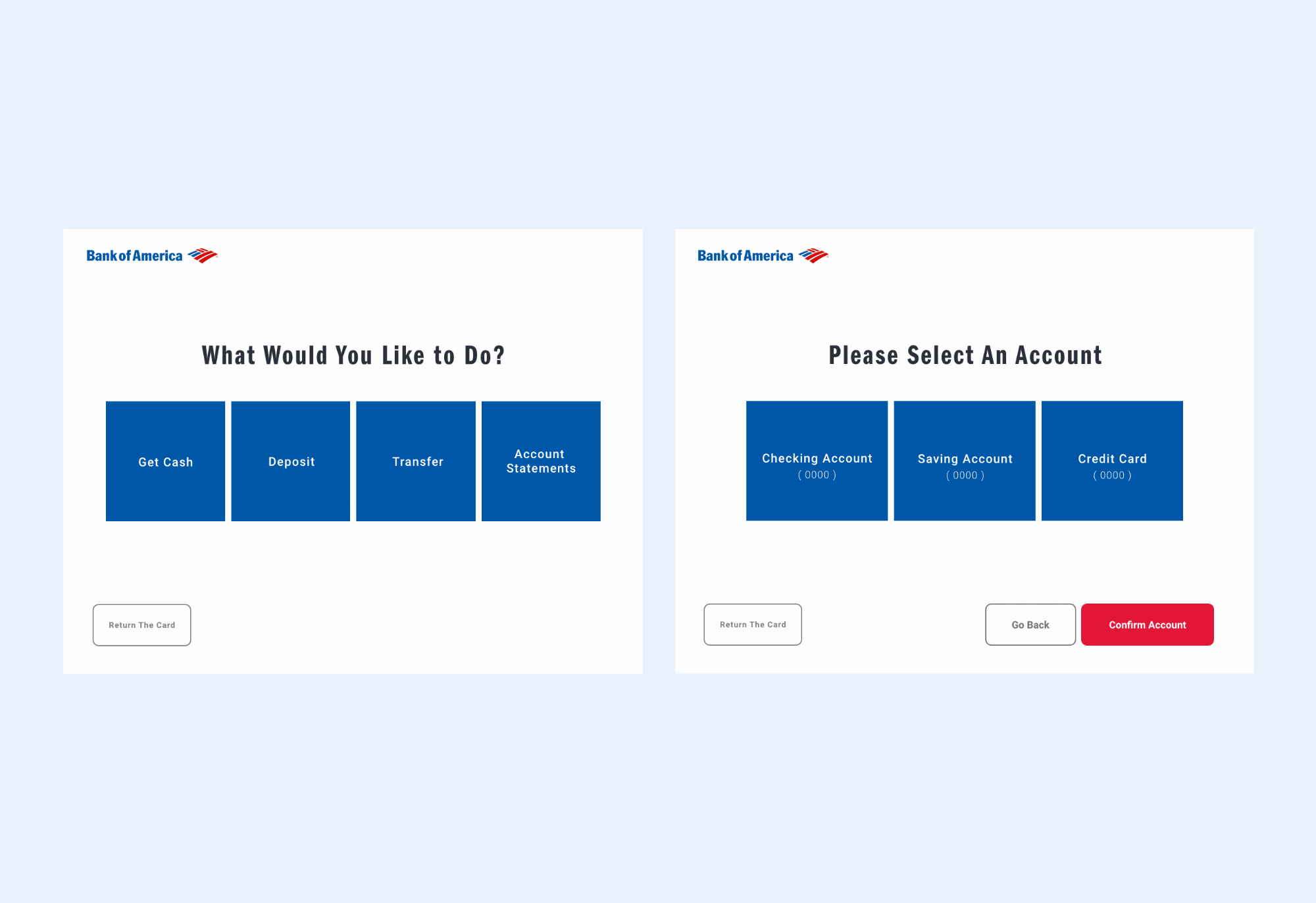
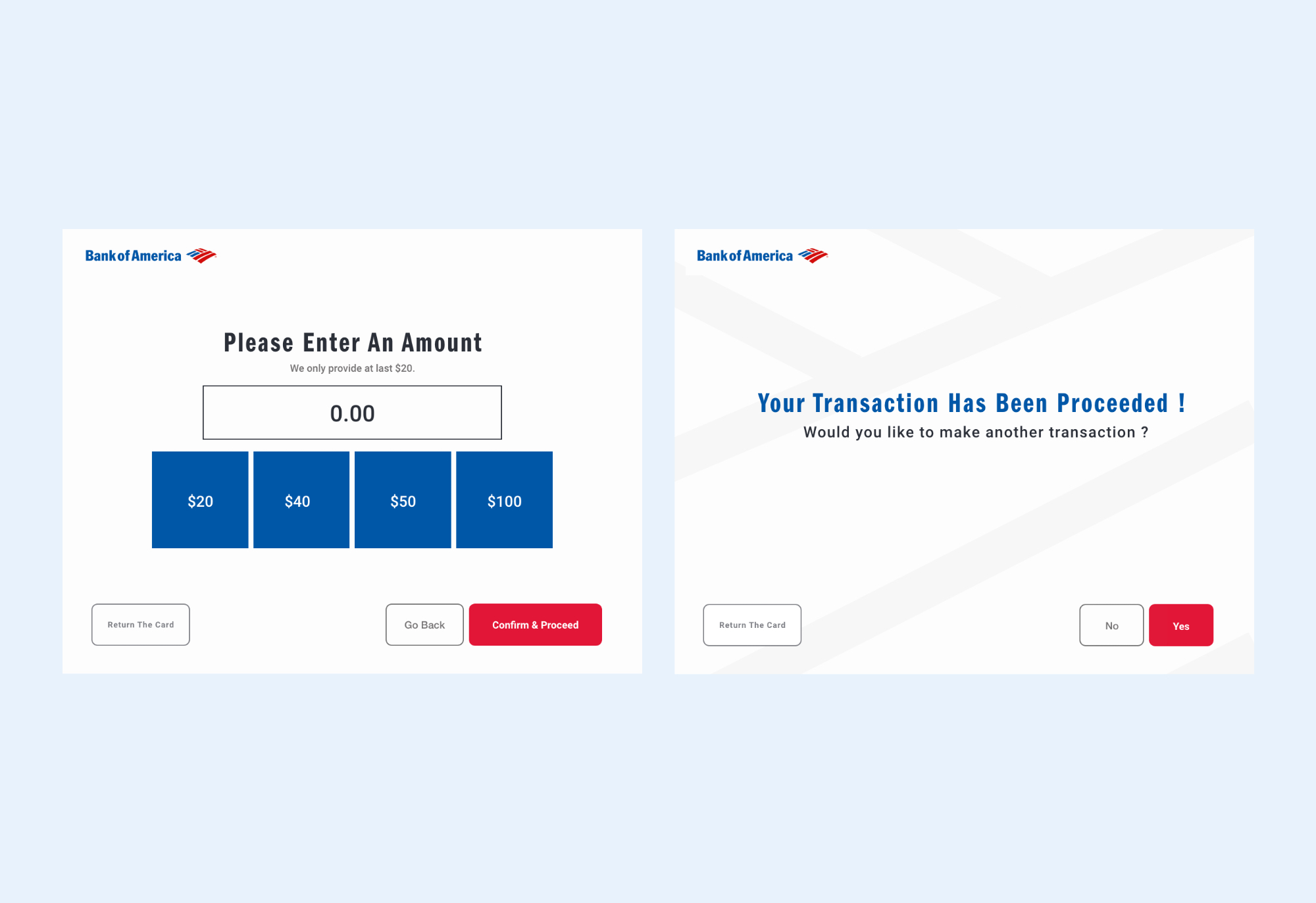
    By simplifying the step of the ATM, I believe it helps users to complete the action. So I assembled that users only enter pin once more than twice times on the original design.
  • Solution 2. Show clear primary options
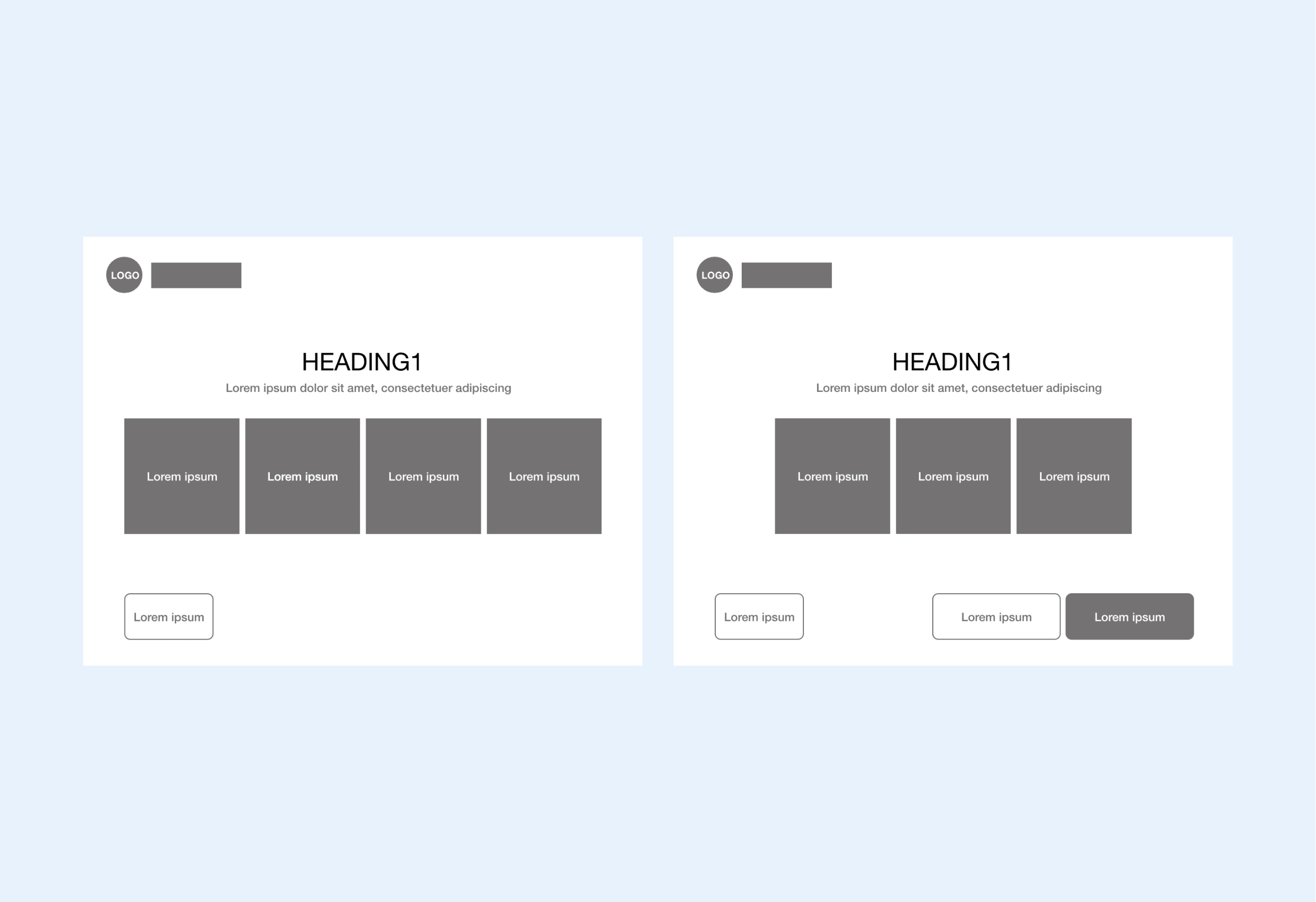
    Users have to spend more time on the searching option they want through lots of options. In my new design, the service provides up to four options to let users won’t think. It helps users to save their time and finish the action efficiently.
  • solution 3. Keep language simple and consistent
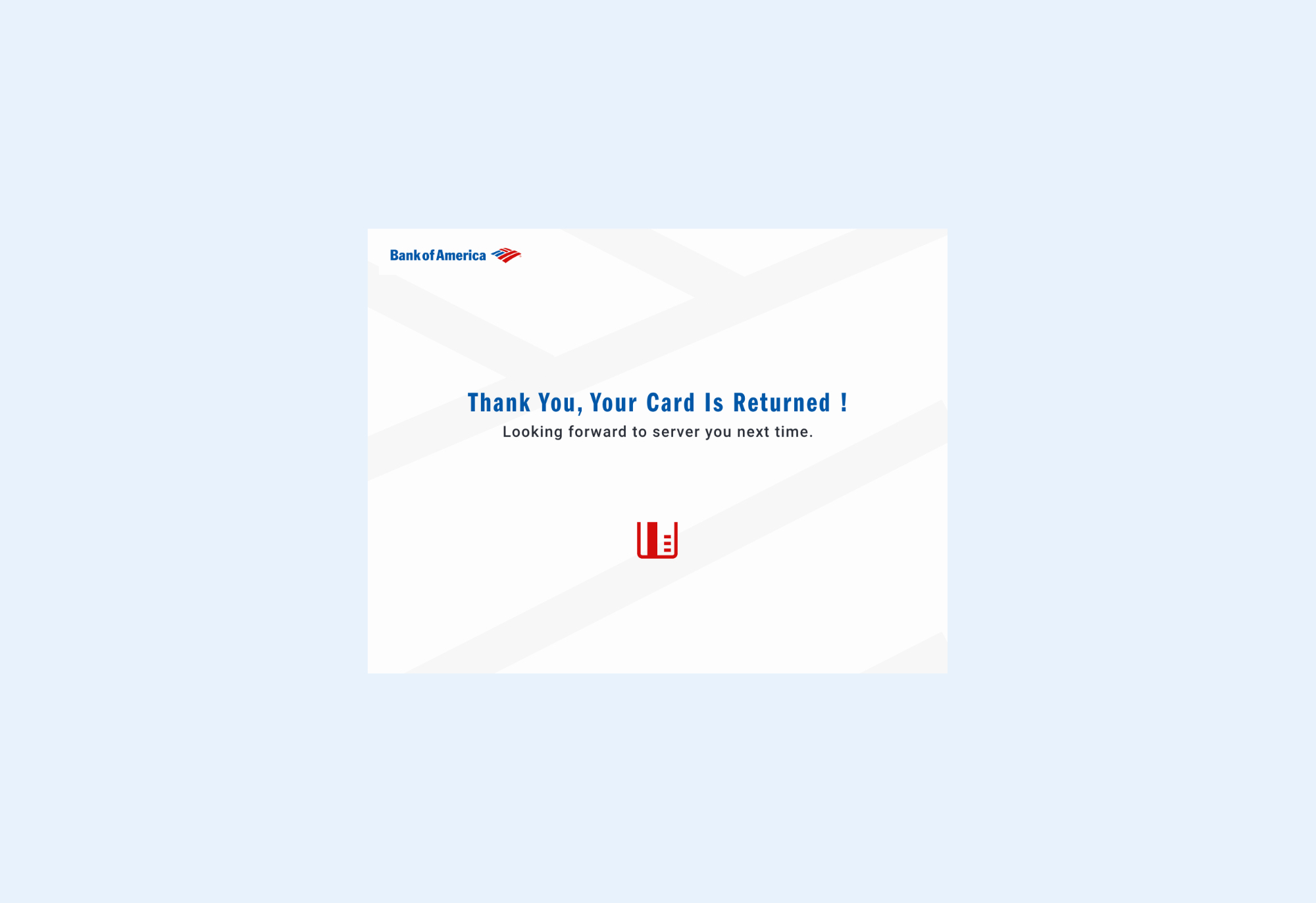
    To avoid language misunderstandings, I used clear, straightforward wording instead of long and technical terms.
  • Challenge 2: Bring the design into the modern era

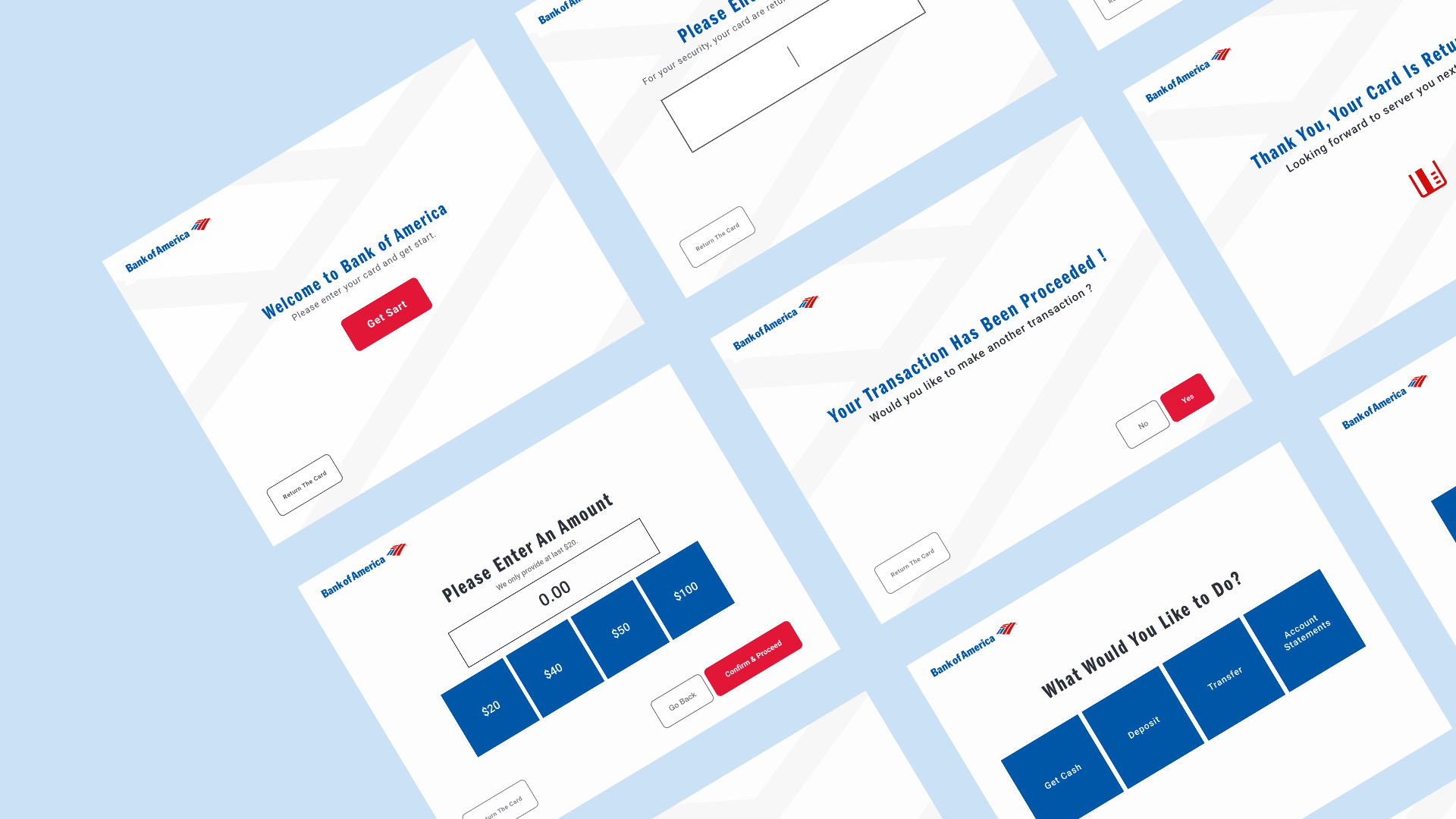
  • Solution: Staying flat style on UI design
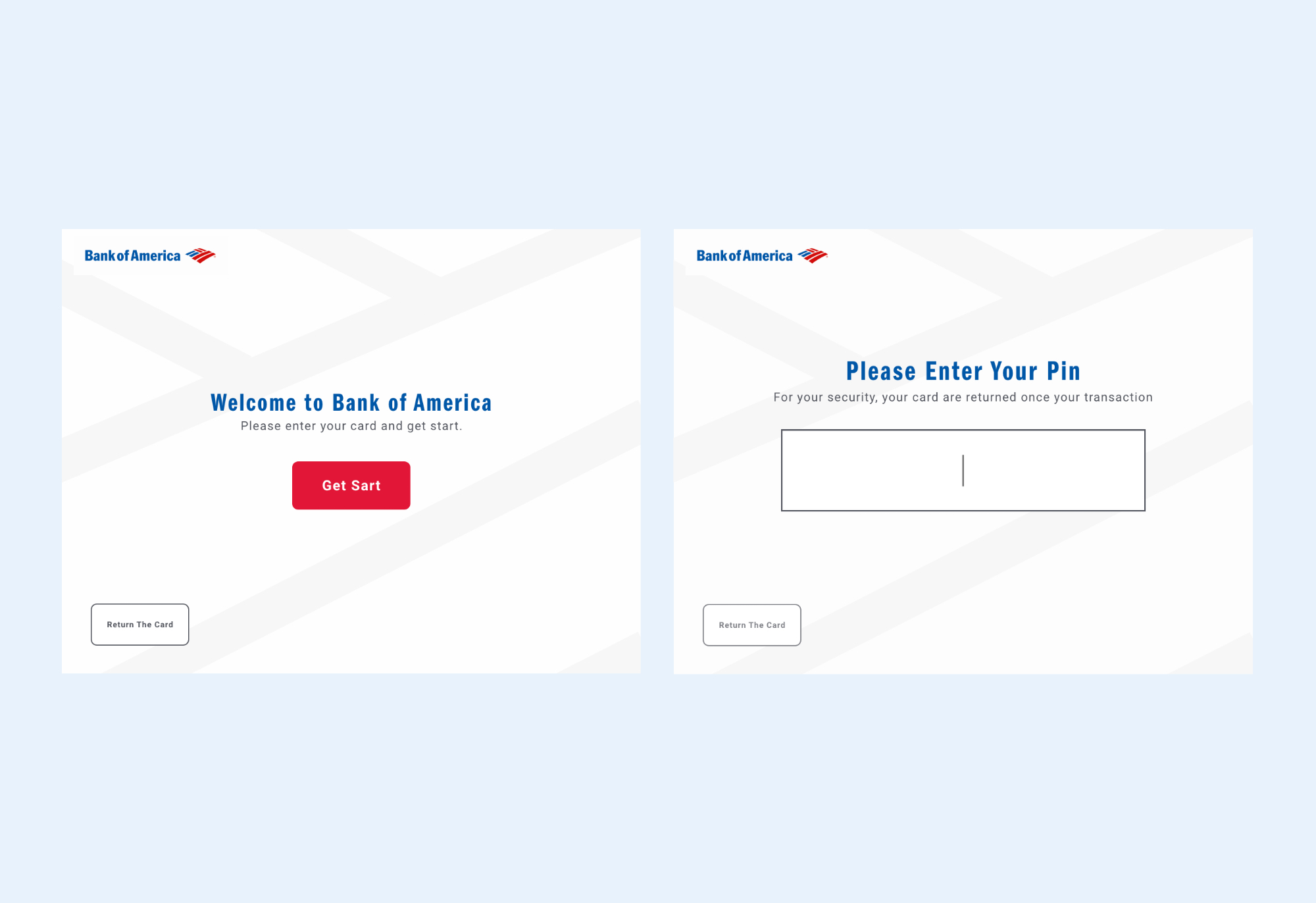
    It says, "Less is more." I used double white spaces to let users distinguish priority functions. And, using big buttons to make elders easy to click. Because the original design has designed the buttons with a Three-Dimensional Effect brought too many details. Base on the research, it is difficult to focus on important information.
  • Challenge 3: Testing the modified design

  • I did two rounds of user testing for this project. I asked three users to manipulate the original design and modified design base on the task in each round of testing. It helps me to understand how they feel about these different designs.

  • Feedback from 1st testing: User wants a button looks accessible

    According to the results of the users, they all completed their tasks. All Users agree that it's more efficient, memorable by reducing steps of transactions than the old version. One user thinks the hover of buttons is not clear enough, so she wasn't sure are buttons clickable and accessible.

    Feedback from 2nd testing: Users are satisfied with the modified version

    They all completed their tasks faster than the first round of the testing.

    Let's see how the user manipulates the modified version!

    What did I learn?

    The devil is hidden in the details

    One small detail may change the user's feelings when they're using the product, and that's what I learned from this project— for instance, I realized the action influence by the color of the buttons, the size, space, and hover effect after did the user testings. However, it's exciting to learn new things.

    Back to the toparrow